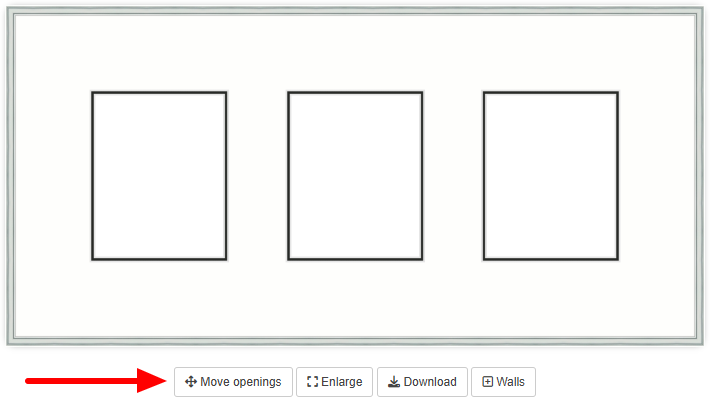
When working on a mat design, you can click the "Move openings" button to load the mat layout editor.
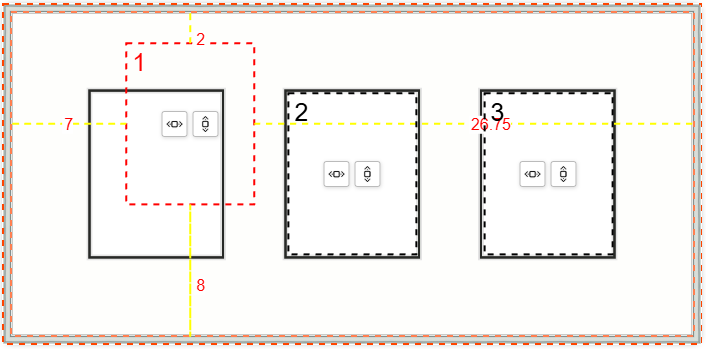
When the mat layout editor is enabled, the openings can be easily dragged to new locations.
Mat centering buttons are available to individually center mat openings vertically and/or horizontally within the available space. An "Auto align" button can also be clicked to automatically center and align all openings at once.
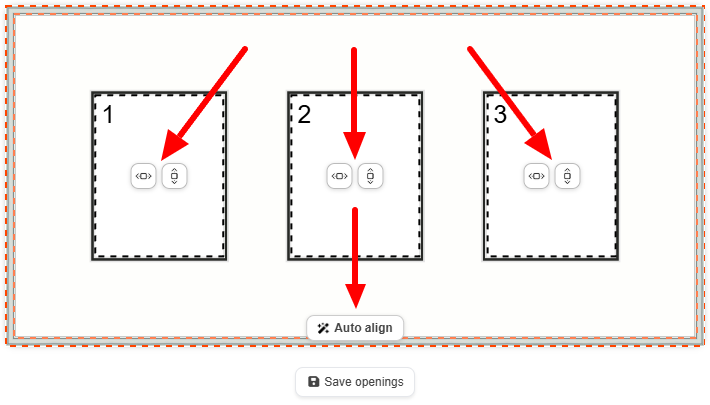
When done, the "Save openings" button must be clicked to apply your changes.
Was this article helpful?
That’s Great!
Thank you for your feedback
Sorry! We couldn't be helpful
Thank you for your feedback
Feedback sent
We appreciate your effort and will try to fix the article