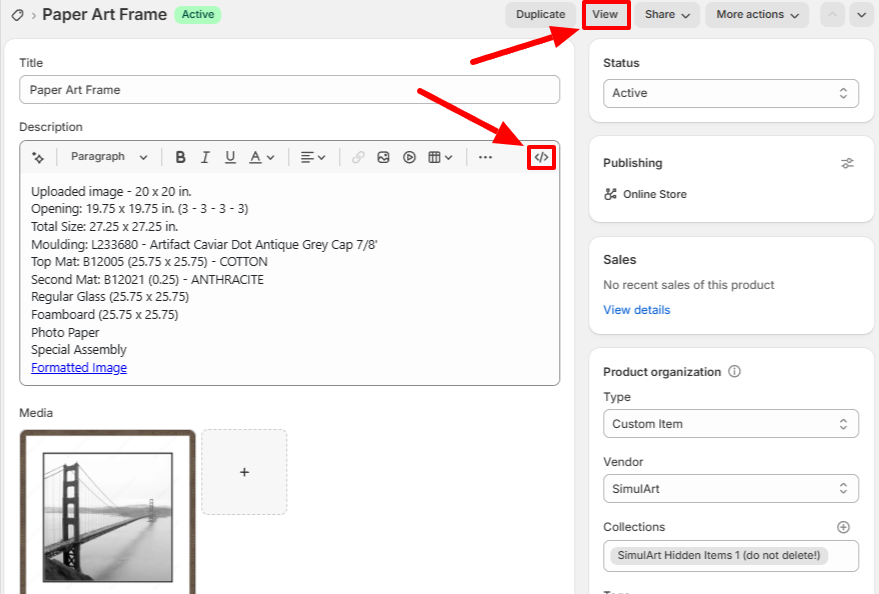
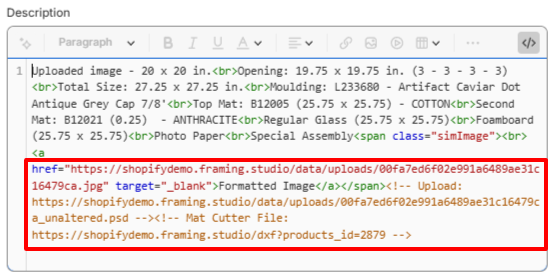
When a SimulArt item is created in Shopify, a "Formatted Image" link is added to the description. This link is clickable for download only when you "View" the item. More details are hidden in the HTML code of the description, like the URLs of the original uploaded file and mat cutter file.
You can copy and paste the URLs located in the description HTML to the address bar of a browser for download.
Was this article helpful?
That’s Great!
Thank you for your feedback
Sorry! We couldn't be helpful
Thank you for your feedback
Feedback sent
We appreciate your effort and will try to fix the article
